Skip to Content
Link Squeeze LogoLink Squeeze Docs
FeaturesFAQPricing
CTRL K
CTRL K
    • How to Add Custom Domains
    • How to Shorten Links
    • How to Shorten Shopify URLs
    • How to Add Google Ads Tag to Link Squeeze
    • How to Add Meta Pixel to Link Squeeze
    • Add Retargeting Pixels to Short Links
    • Retarget Your Audience on Facebook And Instagram
  • Features
  • FAQ
  • Pricing
    • How to Add Custom Domains
    • How to Shorten Links
    • How to Shorten Shopify URLs
    • How to Add Google Ads Tag to Link Squeeze
    • How to Add Meta Pixel to Link Squeeze
    • Add Retargeting Pixels to Short Links
    • Retarget Your Audience on Facebook And Instagram
Question? Give us feedback
Retarget Your AudienceAdd Retargeting Pixels to Short Links

Add Retargeting Pixels to Short Links

Before you use this feature, you need to add a pixel to your account to be able to use it.

The first step is to click on the “Create a Link” button
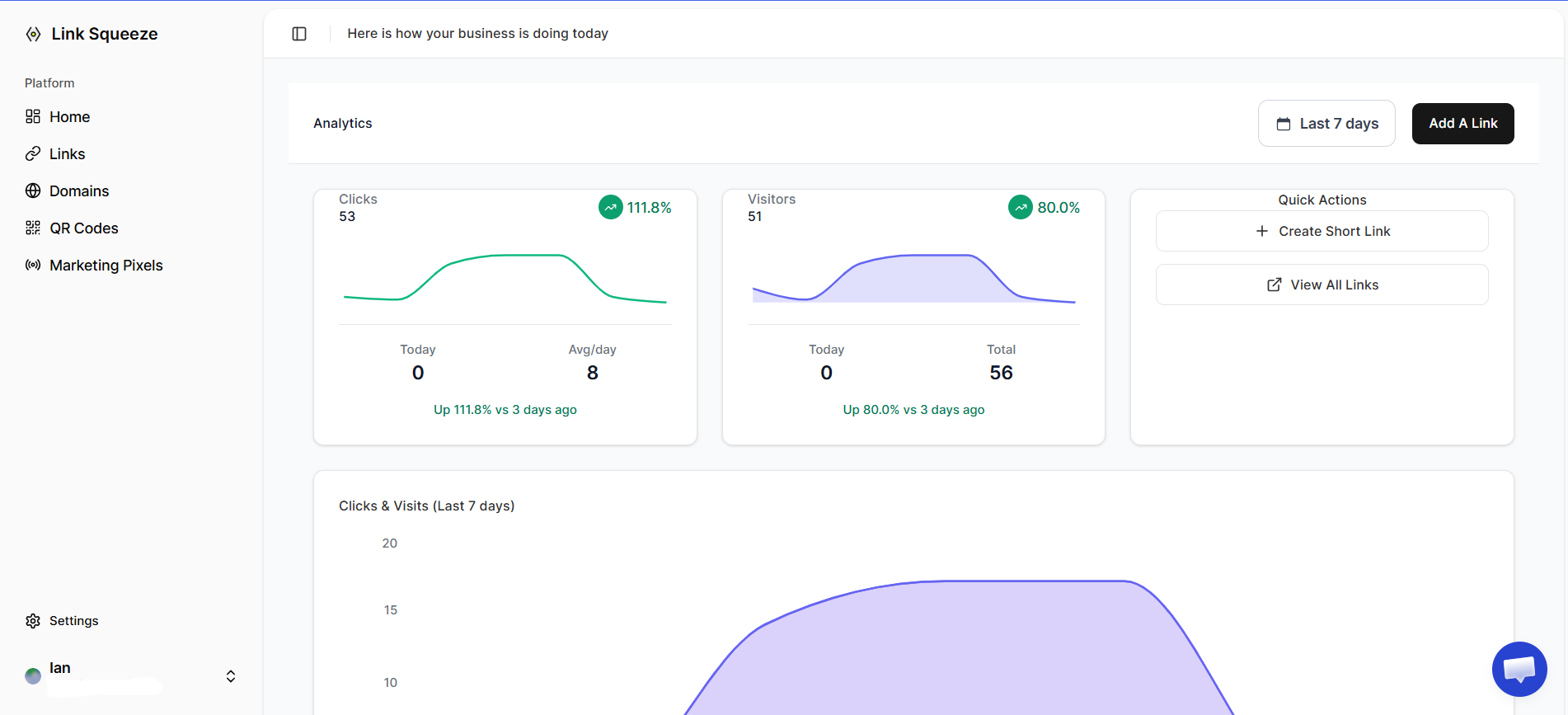
create a link button

Add the link you want to shorten
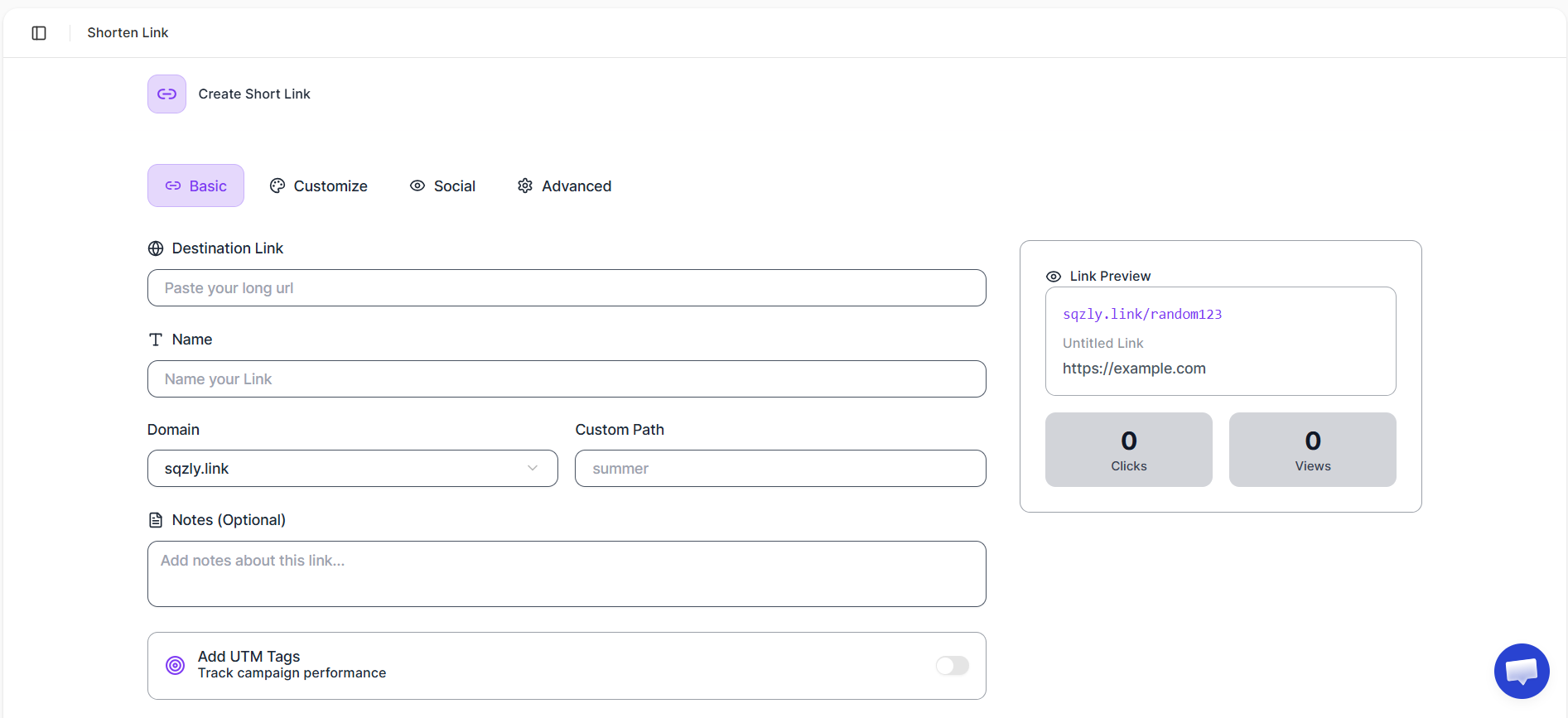
choose link

Select all the pixels you want your link to fire.
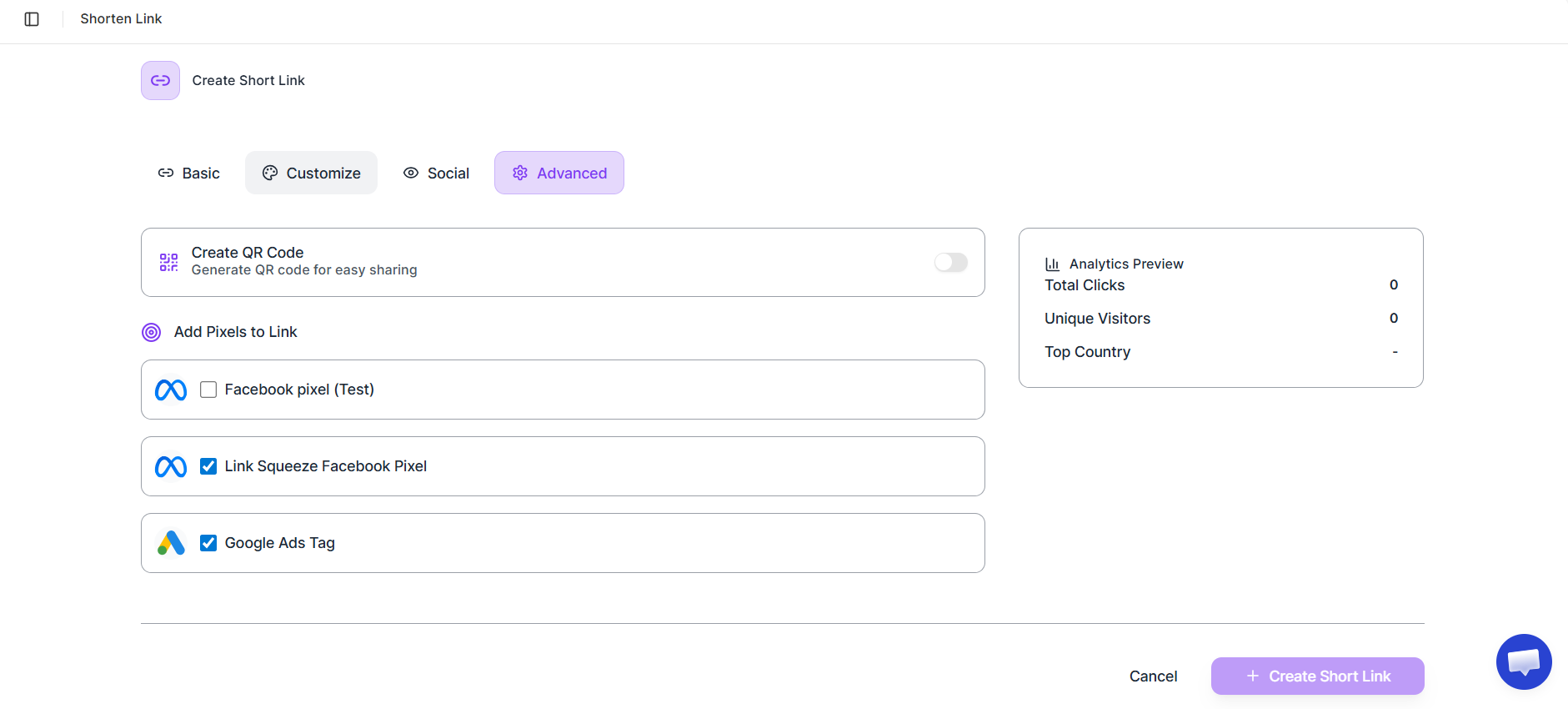
select pixels

Create your short link, and your links will start firing various pixels before redirecting to the final URL.

Last updated on December 12, 2025
How to Add Meta Pixel to Link SqueezeRetarget Your Audience on Facebook And Instagram

Link Squeeze Docs © 2025