UTM parameters are five short key=value tags you append to any URL to tell your analytics platform exactly where a click came from. The five core tags are utm_source, utm_medium, utm_campaign, utm_term, and utm_content. Of those five, three are mandatory for reliable attribution: utm_source, utm_medium, and utm_campaign. Without them, Google Analytics reports your traffic as “(not set)” and you lose the data you need to make smart budget decisions.
Here is a quick example you can copy right now:
https://yoursite.com/sale?utm_source=newsletter&utm_medium=email&utm_campaign=spring-sale-2026TL;DR: UTM tracking codes are the simplest way to prove which campaigns drive real results. Tag every external link with at least
utm_source,utm_medium, andutm_campaign, keep your naming consistent, and your analytics will tell you exactly where your best traffic comes from.
What are the UTM parameters and what does each one do?
Each UTM tag answers a specific question about a click. Google’s official guidance recommends always using the first three below and documents two additional optional tags for advanced use.
| Parameter | Question it answers | Example value |
|---|---|---|
utm_source | Who sent the traffic? | newsletter, google, linkedin |
utm_medium | How did it arrive (channel)? | email, cpc, organic-social |
utm_campaign | Which campaign or promotion? | spring-sale-2026, product-launch |
utm_term | Which keyword or audience? | running-shoes, retargeting-list |
utm_content | Which creative or link variant? | hero-cta, sidebar-link |
utm_source names the platform or referrer that sent the visitor: google, facebook, newsletter. Think of it as the “who.”

utm_medium describes the channel type: email, cpc, organic-social. GA4 uses this value directly to assign Default Channel Groupings, so a missing or misspelled medium pushes sessions into “(not set).”

utm_campaign ties the click to a specific initiative. Use descriptive names like black-friday-2026 or welcome-series rather than vague codes. This is the tag you will filter by most often in reports.
utm_term is mostly useful for paid search, where you pass the keyword that triggered the ad. For display or social campaigns, some teams use it to note the audience segment.
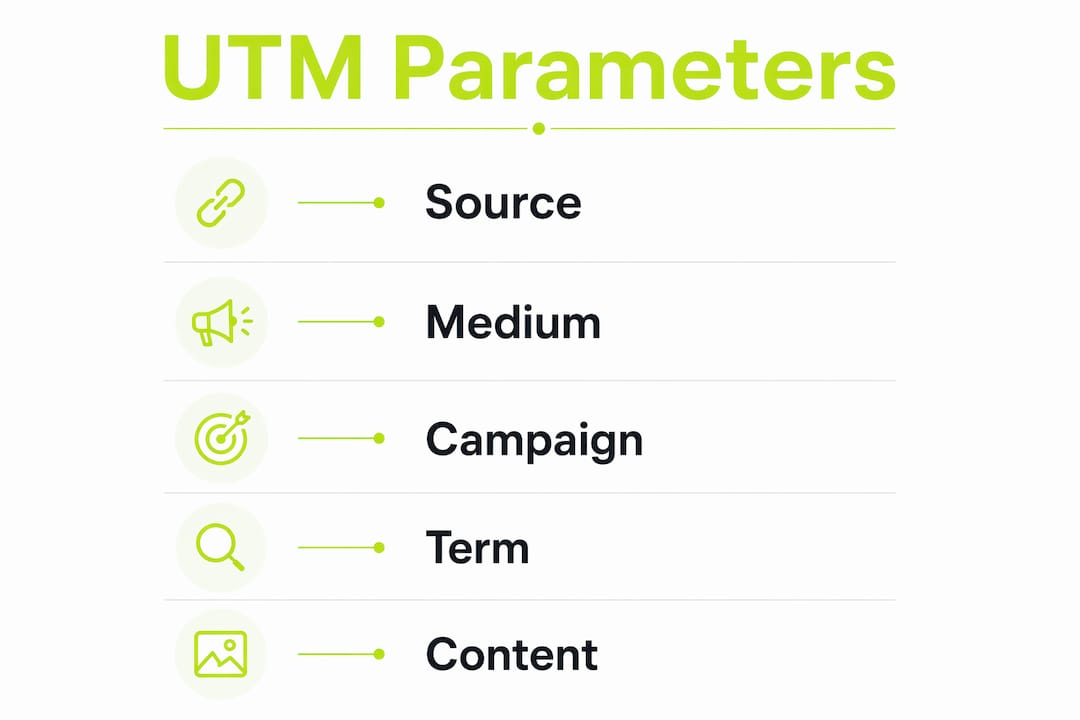
utm_content shines in A/B testing. If you place two links in the same email, label them utm_content=top-cta and utm_content=bottom-cta to see which one drives more clicks.
GA4 also recognizes three advanced parameters: utm_id (links a campaign to a cost-data import), utm_source_platform (identifies the buying platform, e.g., Search Ads 360), and utm_creative_format (describes ad format). Most beginners can skip these until they are managing multi-platform paid campaigns at scale.
One rule applies to every parameter: values are case-sensitive. Email and email appear as two separate rows in your reports.
Copyable UTM examples and templates you can use today
The fastest way to learn UTM links is to see them in context. Below are four ready-to-use examples covering the most common channel types.
Email newsletter:
https://yoursite.com/offer?utm_source=newsletter&utm_medium=email&utm_campaign=spring-sale-2026Organic social (Instagram post):
https://yoursite.com/blog/post?utm_source=instagram&utm_medium=organic-social&utm_campaign=brand-awarenessPaid ad (Google Ads):
https://yoursite.com/product?utm_source=google&utm_medium=cpc&utm_campaign=spring-sale-2026&utm_term=running-shoesQR code for an in-store event:
https://yoursite.com/event?utm_source=qr-code&utm_medium=offline&utm_campaign=store-event-juneTwo links in the same email (A/B content test):
- Top button:
...&utm_content=top-cta - Bottom link:
...&utm_content=bottom-cta
- Top button:
Reusable template (copy, replace the placeholders, and you are done):
https://[your-domain]/[page]?utm_source=[SOURCE]&utm_medium=[MEDIUM]&utm_campaign=[CAMPAIGN-NAME]&utm_term=[TERM]&utm_content=[CONTENT]Pro Tip: Never use spaces in UTM values. A space breaks the URL or gets encoded as %20, which creates a new row in your reports. Use hyphens (-) or underscores (_) instead, and pick one style and stick with it across every campaign.
How to build UTMs the right way, step by step
A repeatable workflow prevents the messy, fragmented data that makes reports useless. Follow these five steps every time you create a tagged link.
- Plan your campaign name first. Agree on the exact string before you build any links:
spring-sale-2026, notSpringSaleorspring_sale. Write it down. - Choose a source and medium. Match the platform (
google,linkedin) and the channel type (cpc,email,organic-social). Keep a short reference list so the whole team uses the same values. - Fill your UTM template. Use a spreadsheet or a UTM builder (more on tools below). Columns: Campaign, Source, Medium, Content, Term, Final URL.
- Validate the URL. Paste it into a browser and confirm the page loads. Check that your analytics platform receives the parameters by using GA4’s DebugView or the real-time report.
- Publish and log it. Add the final tagged URL to your tracking spreadsheet before it goes live. Logging after the fact is how links get lost.
Naming rules to enforce from day one:
- Lowercase only, always.
- Hyphens or underscores to separate words. Pick one and never mix them.
- No spaces, no special characters (avoid
&,#,%inside values). - Consistent campaign names across channels: the same campaign should carry the same name
utm_campaignvalue whether it runs on email or paid social.
Common UTM mistakes and how to fix them
Inconsistent naming, case differences, and missing fields are the top reasons UTM data becomes unreliable. Only a portion of marketers use UTM parameters consistently across all campaigns, which is exactly why fragmented analytics data is so common.
Mistakes to avoid:
- Mixed case:
Emailvs.emailsplits one channel into two rows. Fix: Enforce lowercase in your template. - Missing mandatory tags: Skipping
utm_source,utm_medium, orutm_campaigncauses “(not set)” in GA4. Fix: make all three required fields in your spreadsheet before a URL is approved. - Tagging internal links: UTMs on links between your own pages reset the session source, overwriting the original referral. Only tag external links.
- Double-tagging with auto-tagging: Google Ads auto-tagging (
gclid) and manual UTMs can conflict. If you use Google Ads, rely on auto-tagging and skip manual UTMs for those campaigns, or confirm your GA4 property is set to prefer auto-tagging. - Inconsistent campaign names:
spring-sale,SpringSale, andspring_sale_2026all appear as separate campaigns. Fix: maintain a shared naming reference your team checks before building links.
Quick remediation when reports show fragmented data: filter your acquisition report by source/medium, look for near-duplicate rows (e.g., Email and email), and use a find-and-replace in your tracking spreadsheet to standardize values going forward. You cannot fix historical data, but you can prevent new splits.
SEO note: UTM parameters do not hurt your rankings directly, but if Google indexes UTM-tagged URLs, you may end up with duplicate content issues. Add UTM URLs to your robots.txt disallow list or use canonical tags pointing to the clean URL to keep your indexed pages tidy.
Privacy note: UTM values appear in the URL and can be visible to users and third-party scripts. Under GDPR and similar frameworks, avoid embedding personally identifiable information (names, email addresses) in UTM values. Keep values generic and campaign-level only.
How to view your UTM data in GA4
Once your tagged links are live, here is where to find the data in Google Analytics 4.
Navigate to: Reports → Acquisition → Traffic Acquisition. The default dimension is “Session default channel group.” To see your UTM values, change the primary dimension to “Session source/medium” or “Session campaign.”
GA4 uses utm_medium to assign sessions to Default Channel Groupings. If utm_medium=email, GA4 places that session in the Email channel. A missing or unrecognized medium value lands in “Unassigned.”
| Report dimension | What it shows | Key metric to watch |
|---|---|---|
| Session source / medium | newsletter / email, google / cpc | Sessions, conversions |
| Session campaign | spring-sale-2026 | Goal completions, revenue |
| Session content | top-cta, sidebar-link | Click-through rate, conversions |
| Session term | running-shoes | Paid keyword performance |
For Universal Analytics users: the equivalent report is Acquisition → Campaigns → All Campaigns. The five UTM parameters work identically, but UA uses “Goals” instead of GA4’s “Conversions,” and the interface labels differ slightly. If you are still on UA, migrate to GA4 as soon as possible since Universal Analytics no longer processes new data.
Which tools make building UTMs faster and more accurate?
Manual URL construction works for one or two links. At any real campaign volume, a builder prevents typos and enforces consistency.
- Google Campaign URL Builder: Free, official, browser-based. Fill in the fields and it generates the tagged URL. Good for occasional use but does not store or organize your links.
- Spreadsheet template: A shared Google Sheet with columns for each parameter and a
CONCATENATEformula to build the URL is a practical step up. It doubles as your link log. - Link Squeeze UTM builder: Free, purpose-built for marketers. It builds the tagged URL, shortens it into a branded link, and logs it in one step, which removes the manual copy-paste between tools.
- HubSpot UTM Builder: Built into HubSpot’s marketing hub. Useful if your team already uses HubSpot for campaign management, since it connects UTM data directly to contact records.
When to move from manual to automated tooling: once you are running more than a handful of campaigns simultaneously, or when more than one person is building links, a centralized builder with enforced templates pays for itself in cleaner data. A marketing automation checklist can help you identify where UTM creation fits into a broader automated workflow.
Long UTM URLs vs. short links: a full UTM string can run 200+ characters, which looks unwieldy in social posts and can get truncated. A branded short link hides the UTM string while preserving all tracking data. The UTM parameters pass through the redirect intact, so your analytics still captures every value.
How link management platforms extend what UTMs can do
UTM parameters tell you where a click came from. A link management platform tells you what to do with that visitor next.
Link Squeeze combines UTM building, branded short links, and retargeting pixel attachments in one platform. When a visitor clicks a tagged link, Link Squeeze fires your Meta, TikTok, Pinterest, or Google pixel at the moment of the click, adding that visitor to your retargeting audiences before they even land on your site. That means you can retarget people who clicked a link in a third-party article or a social post, not just visitors who reached your own pages.
Why this matters for e-commerce: Shopify merchants using Link Squeeze can connect UTM-tagged links directly to order and revenue attribution through the Shopify integration, closing the loop between a click on a campaign link and a completed purchase without manual data exports.
For agencies and teams managing multiple clients or channels, the platform’s centralised analytics show click demographics, source/medium breakdowns, and pixel fire data in one dashboard. Combined with link retargeting, every tagged link becomes both a tracking tool and an audience-building asset. That is a meaningful step beyond what a standalone UTM builder provides.
Key Takeaways
UTM parameters work only when you use all three mandatory tags (utm_source, utm_medium, utm_campaign) consistently and follow strict lowercase naming conventions across every campaign.
| Point | Details |
|---|---|
| Three mandatory tags | Always include utm_source, utm_medium, and utm_campaign or GA4 reports “(not set).” |
| Case-sensitive values | Email and email appear as separate rows; use lowercase for every parameter value. |
| No spaces in values | Spaces break URLs or encode as %20; use hyphens or underscores consistently. |
| Log every link | Track built URLs in a spreadsheet before publishing to prevent lost or duplicate tags. |
| Link Squeeze | Builds, shortens, and logs UTM links in one step while attaching retargeting pixels for audience building. |
Your UTM tracking is one tool away
You now have the definitions, the templates, and the workflow. The next step is to build your first tagged link and watch the data appear in GA4.
Link Squeeze offers a free UTM builder that goes further than a basic form. It shortens your tagged URLs into branded links, attaches retargeting pixels from Meta, TikTok, Pinterest, and Google, and logs every link in a central dashboard. For Shopify merchants, the native integration connects those tagged clicks straight to order revenue, so attribution is automatic.
- Build and shorten UTM links in one step, no copy-pasting between tools.
- Attach retargeting pixels to every link to build your audience beyond your own site.
- View click demographics and source/medium data in a single analytics dashboard.
- Connect to Shopify for direct order and revenue attribution.
Try the free UTM builder and build your first tagged, shortened, pixel-ready link in under two minutes.
FAQ
What are the 5 UTM parameters?
The five standard UTM parameters are utm_source, utm_medium, utm_campaign, utm_term, and utm_content. Each one captures a different dimension of where and how a click originated.
Which UTM parameters are mandatory?
utm_source, utm_medium, and utm_campaign are the three required tags for accurate attribution in Google Analytics. Missing any one of them causes sessions to appear as “(not set)” in your reports.
How many UTM parameters are there in total?
There are five standard parameters, plus three advanced GA4-specific ones: utm_id, utm_source_platform, and utm_creative_format. Most marketers only need the core five; the advanced tags are for teams importing cost data or analyzing creative formats across platforms.
What are the most common UTM mistakes?
The most frequent errors are inconsistent naming and case differences (e.g., Email vs. email), missing mandatory tags, and tagging internal links, which overwrites the original traffic source in your analytics.
Can Link Squeeze help me build and manage UTM links?
Yes. Link Squeeze includes a free UTM builder that creates, shortens, and logs tagged links in one step, and it attaches retargeting pixels so every tagged link automatically builds your ad audiences.